Understanding Your Supabase Local Development URLs
A breakdown of every URL that appears when you run npx supabase status, and what each endpoint is actually for.
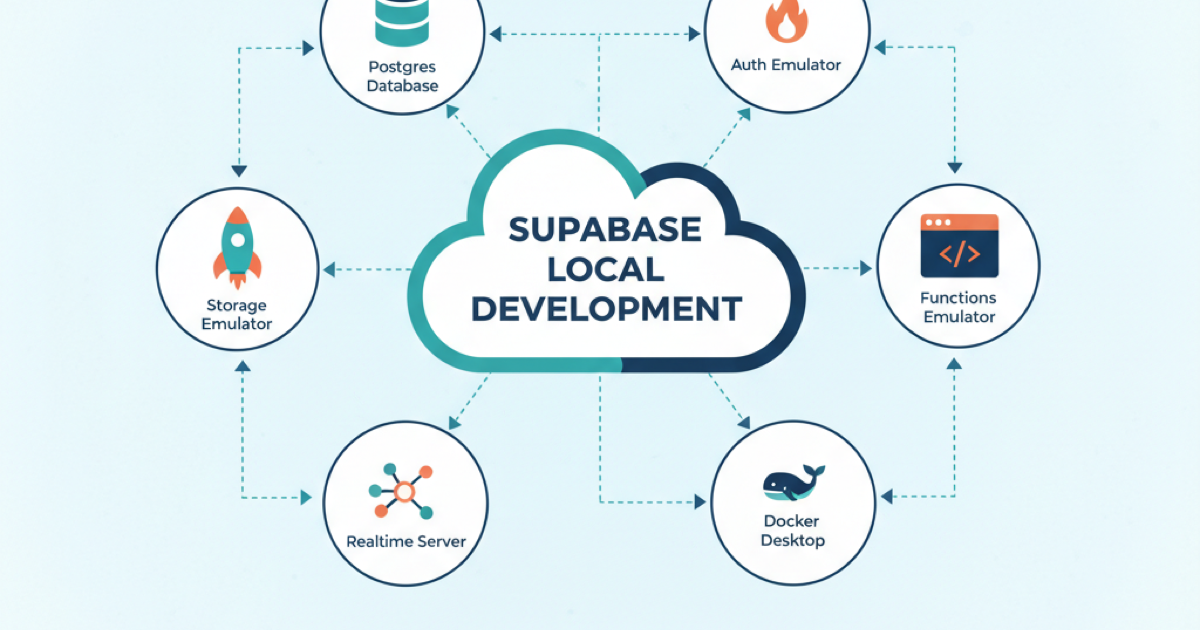
TL;DR: When you run npx supabase status, you get a list of URLs pointing to different services. Here’s what each one does and when you’d use it.
The Output
After running supabase start, you’ll see something like this:
supabase local development setup is running.

         API URL: http://127.0.0.1:54321
     GraphQL URL: http://127.0.0.1:54321/graphql/v1
  S3 Storage URL: http://127.0.0.1:54321/storage/v1/s3
         MCP URL: http://127.0.0.1:54321/mcp
    Database URL: postgresql://postgres:postgres@127.0.0.1:54322/postgres
      Studio URL: http://127.0.0.1:54323
     Mailpit URL: http://127.0.0.1:54324
Each URL serves a specific purpose. Let’s break them down.
API URL — http://127.0.0.1:54321
This is your main Supabase API gateway. It’s the same endpoint you’d use in production with supabase.co, just running locally.
What it handles:
- Auth: User signup, login, password reset, OAuth flows
- Database REST API: Auto-generated REST endpoints for your Postgres tables (via PostgREST)
- Realtime: WebSocket connections for live subscriptions
- Edge Functions: Invoking your Deno functions locally
- Storage: File uploads and downloads (non-S3 protocol)
How you use it:
import { createClient } from '@supabase/supabase-js'

const supabase = createClient(
  'http://127.0.0.1:54321',
  'your-anon-key'
)
Your anon key and service role key are shown when you run supabase status or in your project’s .env file.
GraphQL URL — http://127.0.0.1:54321/graphql/v1
Supabase auto-generates a GraphQL API from your Postgres schema using pg_graphql. This endpoint exposes that API.
What it provides:
- Full GraphQL introspection
- Queries and mutations for all your tables
- Filtering, pagination, and ordering
- Respects Row Level Security policies
When to use it: If your frontend uses Apollo, urql, or any GraphQL client, you can point it here instead of using the REST API. The GraphQL schema updates automatically as you change your database.
query GetUsers {
  usersCollection {
    edges {
      node {
        id
        email
        created_at
      }
    }
  }
}
S3 Storage URL — http://127.0.0.1:54321/storage/v1/s3
Supabase Storage is S3-compatible, meaning you can use any S3 SDK or tool (like aws-cli, boto3, or @aws-sdk/client-s3) to interact with your storage buckets.
What it enables:
- Multipart uploads for large files
- Resumable uploads via TUS protocol
- Direct integration with tools expecting S3 endpoints
- Compatibility with existing S3 workflows
Example with AWS SDK:
import { S3Client, PutObjectCommand } from '@aws-sdk/client-s3'

const s3 = new S3Client({
  endpoint: 'http://127.0.0.1:54321/storage/v1/s3',
  region: 'local',
  credentials: {
    accessKeyId: 'your-access-key',
    secretAccessKey: 'your-secret-key'
  },
  forcePathStyle: true
})
Note: The S3 protocol is currently in public alpha. For most use cases, the standard Storage API via the Supabase client works fine.
MCP URL — http://127.0.0.1:54321/mcp
MCP stands for Model Context Protocol. This endpoint lets AI assistants (like Claude, Cursor, or Windsurf) interact directly with your Supabase project.
What AI assistants can do via MCP:
- Inspect your database schema
- Run queries against your data
- Manage tables and migrations
- Fetch project configuration
Important security note: The local MCP endpoint is for development only. It’s not authenticated in the same way the hosted version is. Never expose it to the internet or connect it to production data.
Configuring an AI assistant: Most MCP-compatible tools let you specify a server URL. Point them to this endpoint for local development work.
Database URL — postgresql://postgres:postgres@127.0.0.1:54322/postgres
This is a direct Postgres connection string. It bypasses the API entirely and connects straight to your local Postgres instance.
When to use it:
- Running migrations with tools like Prisma, Drizzle, or raw SQL
- Database GUI tools (TablePlus, pgAdmin, DataGrip)
- Scripts that need direct DB access
- Debugging complex queries
Connection details:
- Host:
127.0.0.1 - Port:
54322 - Database:
postgres - User:
postgres - Password:
postgres
# Connect via psql
psql postgresql://postgres:postgres@127.0.0.1:54322/postgres

# Or with connection flags
psql -h 127.0.0.1 -p 54322 -U postgres -d postgres
The default credentials are fine for local development. In production, Supabase manages connection pooling and credentials for you.
Studio URL — http://127.0.0.1:54323
Supabase Studio is the web-based dashboard for managing your project. The local version gives you the same experience as the hosted dashboard.
What you can do in Studio:
- Browse and edit table data
- Run SQL queries
- Manage auth users and policies
- Configure storage buckets
- View logs and metrics
- Edit Row Level Security policies
- Manage database extensions
Open this URL in your browser. It’s the fastest way to inspect your local database state, run ad-hoc queries, and debug RLS policies.
Mailpit URL — http://127.0.0.1:54324
Mailpit is a local email testing tool. Supabase routes all outgoing emails (signup confirmations, password resets, magic links) to Mailpit instead of actually sending them.
Why this matters:
- Test email flows without configuring SMTP
- Verify email templates render correctly
- Debug auth flows that depend on email verification
- No risk of accidentally emailing real addresses
How to use it:
- Trigger an auth action that sends email (signup, password reset)
- Open
http://127.0.0.1:54324in your browser - View the captured email with full HTML rendering
Every email your local Supabase instance “sends” appears here. This is invaluable for testing the complete auth flow without setting up a real email provider.
Quick Reference
| URL | Port | Purpose |
|---|---|---|
| API URL | 54321 | Main Supabase API (Auth, REST, Realtime, Functions) |
| GraphQL URL | 54321 | Auto-generated GraphQL API |
| S3 Storage URL | 54321 | S3-compatible storage endpoint |
| MCP URL | 54321 | AI assistant integration |
| Database URL | 54322 | Direct Postgres connection |
| Studio URL | 54323 | Web dashboard |
| Mailpit URL | 54324 | Email testing inbox |
Takeaways
- For most development, you’ll use the API URL with the Supabase client library
- For database migrations and debugging, use the direct Database URL
- For inspecting data and running queries, open Studio in your browser
- For testing auth flows, check Mailpit for captured emails
- For AI-assisted development, configure your tools to use the MCP endpoint
All of these services spin up automatically with supabase start and shut down cleanly with supabase stop. The local environment mirrors production closely enough that code written against these endpoints works the same way when deployed.
Sources: